Sheet Navigator
Move from sheet to sheet with ease. View a list of all your sheets with one click.
An add-in for Microsoft Excel that lets you create your own one-click cell-formatting buttons.

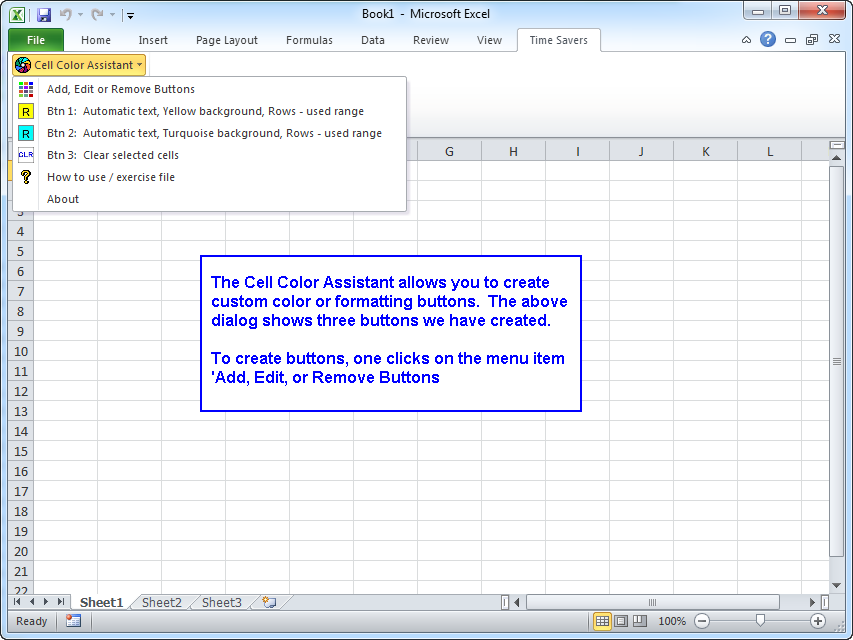
The Cell Color Assistant add-in for Microsoft Excel helps you color cells quickly and easily. And, it lets you select cells based on cell format. When installed, it is added to its own ribbon tab.
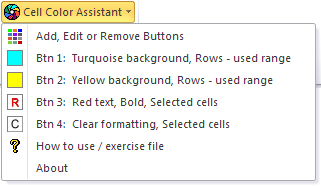
Clicking on the Cell Color Assistant button displays a dropdown menu. You can add up to 20 customized buttons — when you click a button, the selected cells are formatted exactly the way you want. And, if you right-click on a coloring button on the dropdown menu, you can add them to the quick access toolbar for fast and easy access.

You can also specify whether just the selected cells are formatted or entire rows or columns — even when only one cell is selected.
Move from sheet to sheet with ease. View a list of all your sheets with one click.
Add over 200 time-saving features to Excel.
Extract rows of data into columns for easy review and printing.