Data Cleaner
Eliminate tedious manual cleaning of data.
An add-in for Microsoft Excel that combines entries in multiple cells into one cell.
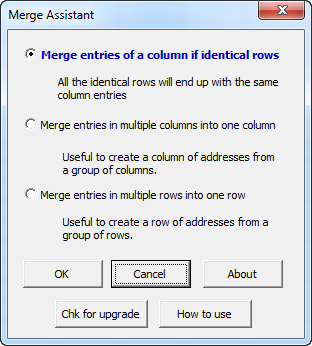
The Merge Data Assistant add-in for Microsoft Excel will combine entries in multiple cells into one cell. The following is the main dialog:
The first option allows you to merge entries on multiple rows into one row, as illustrated below. The entries in column B were merged and the duplicate rows deleted — deletion of duplicate rows is an option.
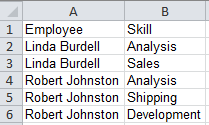
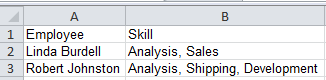
The following illustrates before and after screenshots if you use the second option to merge cell entries:
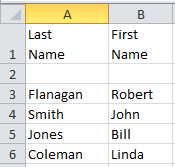
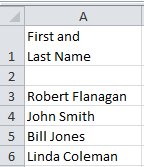
You can merge as many columns as you want, in any order you want. The text from the different cells can be separated with spaces, commas, or any of several other options. The Merge Data Assistant is entirely menu-driven.
Eliminate tedious manual cleaning of data.
Split names in one cell into first, middle, and last name cells.