Quick Notes Assistant
An add-in for Microsoft Excel — free.
The Quick Notes Assistant add-in for Microsoft Excel is free — no purchase is needed. It creates a grid or mosaic on a worksheet for your notes.
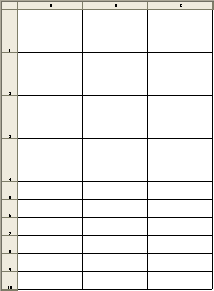
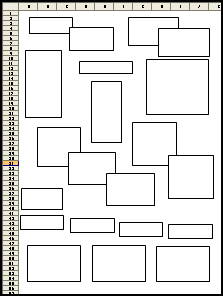
You can enter your notes into the cells (grid style) or the boxes (mosaic style). Or you can do what we do: print out the worksheet and hand-write notes on it. The next day, create another quick notes sheet, update it with notes from the previous sheet, and print it out. It is satisfying to write down a task, get it done, and then mark through it — and since it is on paper in the center of your desk, it is easy to see what you need to do. We use the large blocks for key tasks and the small blocks for daily routines.
You can arrange the boxes on the mosaic sheet any way you want or add more boxes. Quick notes sheets can be created in either portrait or landscape, and you have full control over the number of tall (large) and narrow (small) rows on a grid. The Quick Notes Assistant remembers your last setting.
Another feature is that it can remember your default quick notes workbook and open it with just a click.
Latest release: 4.0
No purchase required. Does not expire. No nag screens. Windows PC only.