 |
|
Questions? E-mail us
or call us 302-584-1771, 8AM to 10PM U.S. East Coast Time 7 days a week
|


|
Directory Lister
|
The Directory Lister add-in for Microsoft Excel is like having the Windows Explorer on a worksheet! It is compatible with Microsoft Excel 2010-2021 and Office 365.
The Directory Lister is menu driven for ease of use. The Directory Lister can create worksheets that contain listings of your key directories. For example, it can create a directory listing of just the XLS files in your folders. Create another one that shows just the DOC files in the same directories! From the listings you can open, rename, move, or delete files or directories. The following shows a small snap shot of a directory listing:
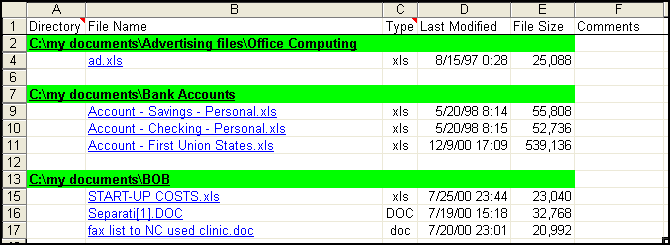
Or, you can use to create simple listings like the following:
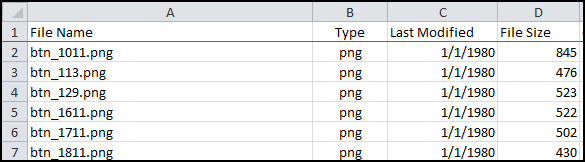
The listing do not have to be Excel files, as the above illustrates. You can list any file types you want.
|
Order online from our secure service. |
|
US $19.95 |

| Copyright 2024 Add-ins.com LLC, all rights reserved. Spreadsheet Assistant is a registered trademark of Add-ins.com LLC. |