Password Prompt Problem — and Solution
A few users of Excel are getting an annoying password prompt dialog request whenever they close Excel. Pressing cancel on the dialog just redisplays it. If this is happening to you, the immediate solution to closing the dialog is to press the ESC key many times, as fast as you can. Some users get the error message “Project is unviewable” instead of a prompt for a password. This is due to password protection on add-ins or differences in Excel versions.
The primary (but not only) software causing this problem is a COM add-in that has set an incorrect value in the registry.
To solve
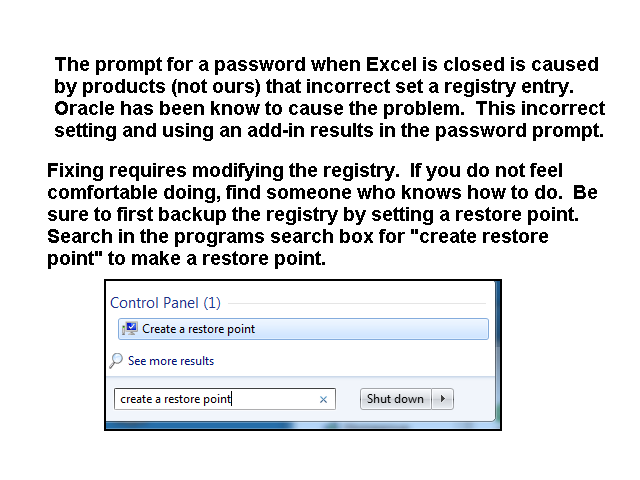
- Backup the registry. At a minimum, create a restore point before doing the registry changes.
- Run RegEdit and search the registry for “LoadBehavior” in value entries.
- When you find such an entry, and it is Excel-related, change the value from 3 to 2. If the value is a text entry, leave the registry entry alone.
- When you make a correction, open and close Excel. If Excel closes without a prompt or message, the problem is fixed.
- Repeat until all Excel related entries are changed. If this doesn’t solve, repeat but change all Office related LoadBehavior entries.
Typically, there are only five or so value entries to change. You may need to reboot your PC after doing all the changes to ensure the edits are recognized. Normally they are immediately recognized, but we had one report that a user edited all LoadBehavior entries, and the problem was fixed only after doing the edits and rebooting.
The above has a very high success rate >90%. So odds are it will solve your problem.